Compress PDF
Make a PDF smaller, compare the result and download the version that works for you.
Your PDF is processed on this device. It is not sent to our server.
Drop your PDF here
50 MB per file.
The sample contains two image pages with fictional text. No personal document is needed.
Image PDF, smaller file
The two-page sample went from 2,326,399 bytes to 420,377 bytes using Smaller image pages: an 81.9% reduction in this example. Your result depends on the PDF and browser.
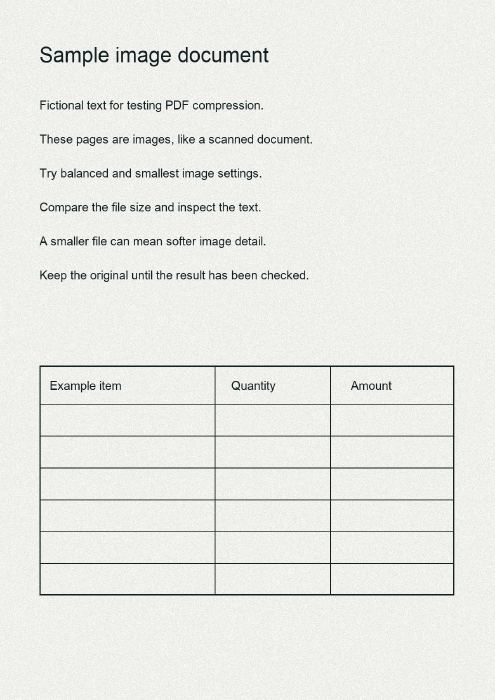
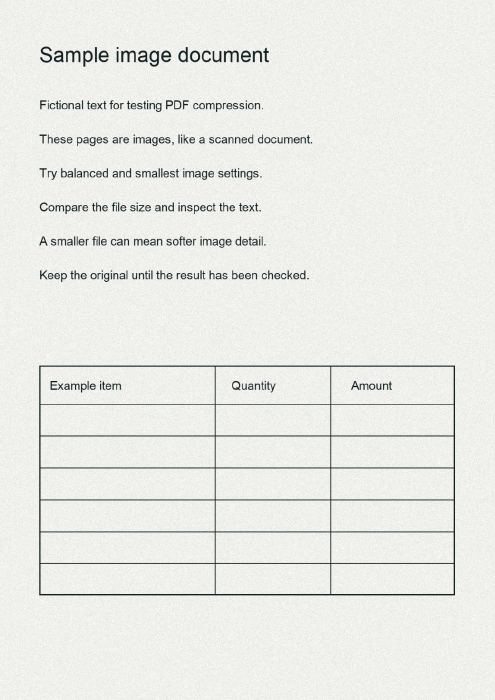
These are page previews. Open both PDFs to compare small text at full size. Image settings flatten page content; choose Keep original content when selectable text or editable forms matter.
How to use it
- Choose a PDF or try the sample document.
- Keep original content, or choose smaller image pages when file size matters more.
- Compare the original and output sizes, then download or continue to another PDF tool.
Before you start
- One PDF at a time, up to 50 MB. Image compression supports up to 50 pages.
- A target such as 2 MB is a size check, not a guaranteed result.
- Image compression turns pages into images. Selectable text, links and editable form fields are not retained.
- Encrypted PDFs must be unlocked before processing. Keep signed original documents; do not expect digital signatures to remain valid after rewriting.
Questions and answers
Can I compress a PDF below 2 MB?
Sometimes. Set a 2 MB target to check the result. The final size depends on the pages and images in your PDF. Try smaller image pages for a scanned document, then check that the result is readable. If it is still too large, split the PDF or reduce its images in the original document.
Which compression option should I choose?
Keep original content optimises the PDF structure without rendering pages as images. It usually makes smaller changes and keeps text selectable. Smaller image pages renders each page at a lower resolution and JPEG quality. It can reduce image-heavy files more, but text becomes part of the page image.
Why did my PDF not get smaller?
An already optimised PDF may have little unnecessary data to remove. The tool compares the output with the original and keeps the original when processing would make the file larger. Try a different setting only if the change in page quality is acceptable.
Are my files uploaded?
No. Compression happens in your browser. Using Continue with this PDF passes the file to another local tool in this tab. A separate conversion service is used only if you explicitly start a Word or Excel conversion.
Is there a daily compression limit?
There is no account or daily count limit for this browser-based compressor. Each input is limited to 50 MB. Image compression supports up to 50 pages to limit memory use, and large documents can still be slow on a phone.
Can I keep the text searchable?
Choose Keep original content. The smaller image options flatten pages into images, so text search and selection are lost. Always review the output before replacing your original.
Your next PDF task
Start with a 500 KB target and check the exact download size.
Start with a 1 MB target and check the exact download size.
Start with a 2 MB target and check the exact size before downloading.
Combine documents in your chosen order.
Separate pages when a file is still too large.
Extract selectable table text to a spreadsheet.
Processing notes and limits reviewed by Sparksverse on .